Skip to content
loam
  • Product
  • Call Loam
  • Evidence
  • Team
  • Security
  • Pricing
  • Get started
Login
Product Call Loam Evidence Team Security Pricing Get started Login

Text messages

How you agree to texts from Loam.

Last updated: October 13, 2026

Loam is operated by Toast2 IT, LLC. Loam accounts are by invitation. An invited person creates their account on the setup form at loam.team/setup, which opens only from the link in their invitation email. Because that form sits behind a personal link, the screenshots below show it exactly as an invited person sees it.

1. The setup form

The form asks for a password and a mobile number. Loam texts a sign-in code to that number each time the person logs in; that is part of signing in, and the form says so under the number. Below it is a separate checkbox for calls and texts from the team. It is optional and unchecked until the person checks it, and the account is created either way. Its text:
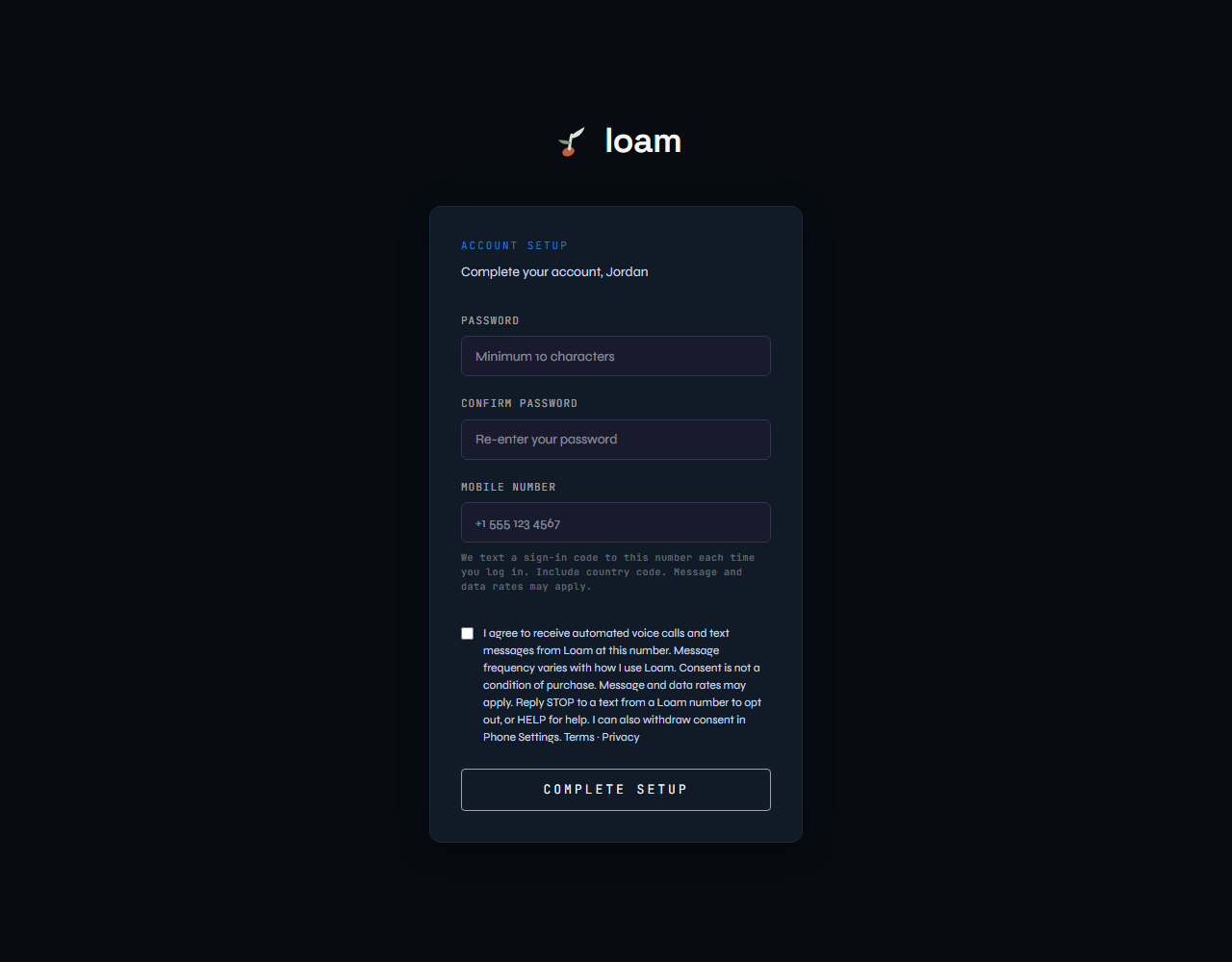
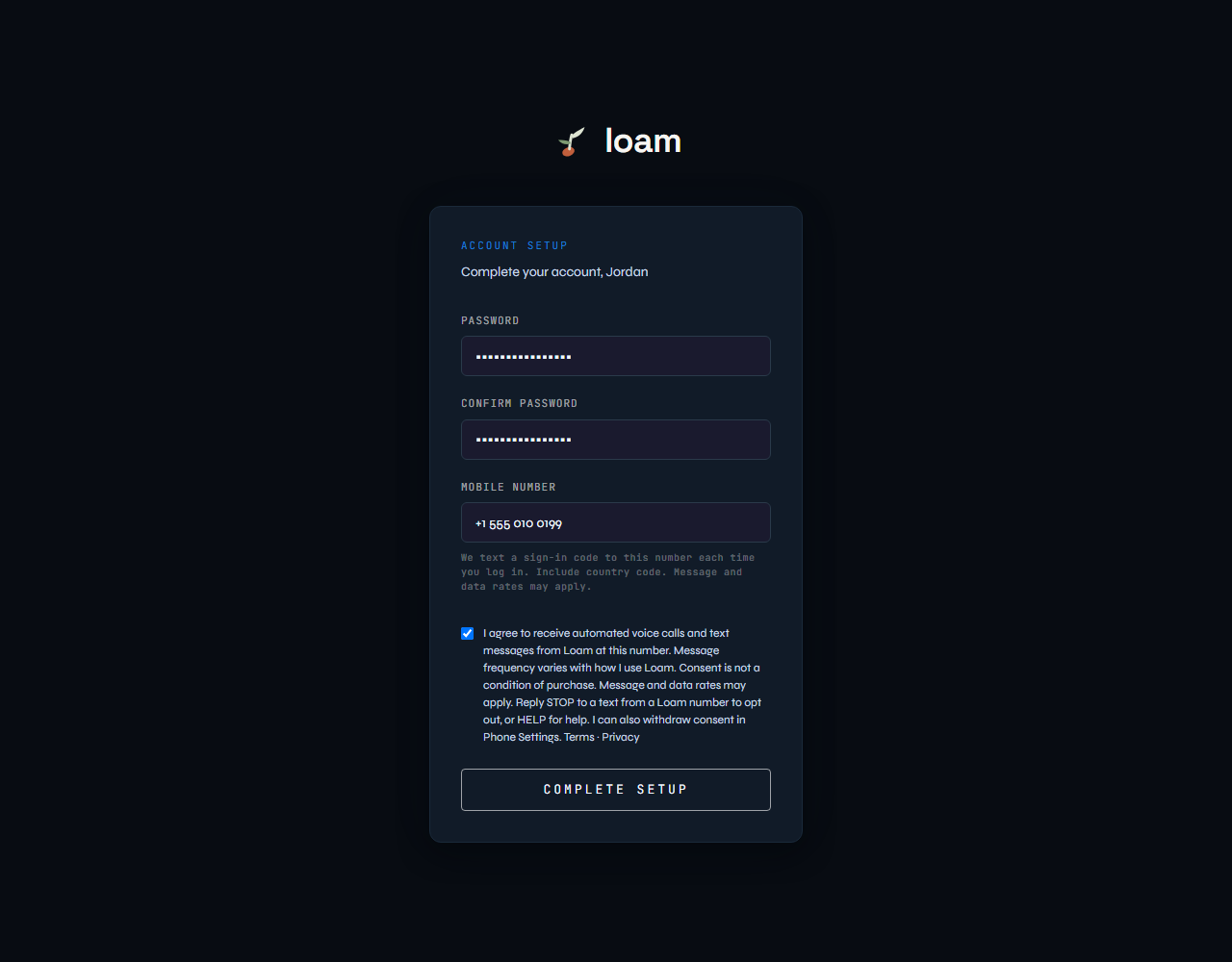
“I agree to receive automated voice calls and text messages from Loam at this number. Message frequency varies with how I use Loam. Consent is not a condition of purchase. Message and data rates may apply. Reply STOP to a text from a Loam number to opt out, or HELP for help. I can also withdraw consent in Phone Settings.” Followed by links to the Terms and the Privacy Policy.

Loam account setup form with password, confirm password and mobile number fields, and an unchecked consent checkbox with the consent text and links to Terms and Privacy.
The setup form as it first appears. The checkbox is unchecked and optional.
The same setup form filled in with an example mobile number and the consent checkbox checked.
The form completed, with the person’s agreement checked. The number shown is an example.

2. After the form is submitted

The person sees a confirmation that their account is ready. If they checked the box, Loam records the agreement with the time, the phone number and the agreement version, and emails them a receipt of exactly what they agreed to, with links to the Terms and the Privacy Policy. If they left it unchecked, no agreement is recorded and Loam texts them nothing but sign-in codes. They can agree later in Phone Settings.
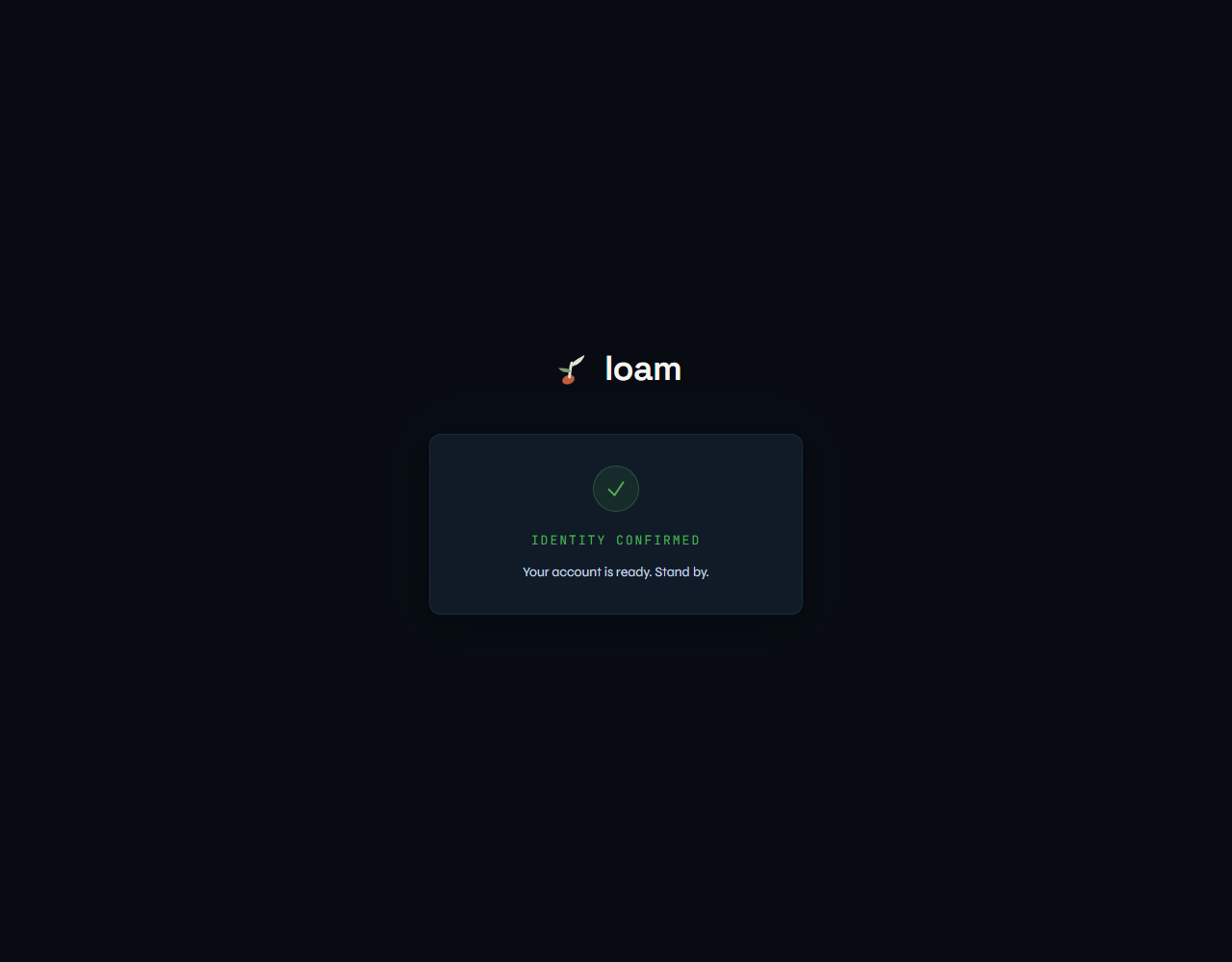
Loam confirmation screen reading Identity confirmed, Your account is ready.
What the person sees after submitting the form.

3. What Loam texts

  • Sign-in codes, each time the person logs in.
  • With the person’s agreement: links they ask for during a call, such as a link to send the team a photo.
  • With the person’s agreement: notices about work they asked the team to do.

Texts go only to the mobile number on the person’s own account. Message frequency varies with how they use Loam. Message and data rates may apply. They can reply STOP to a text from a Loam number to opt out, or HELP for help, and they can withdraw consent at any time in Phone Settings. No mobile information will be shared with third parties or affiliates for marketing or promotional purposes. Text messaging originator opt-in data and consent will not be shared with any third parties. See the Privacy Policy.

Loam — AI software delivery.
© 2024–2026 Loam. All rights reserved.
Product Call Loam Evidence Team Security Get started Pricing Contact Privacy Terms

Loam is an independent product built on Anthropic’s Claude. It is not affiliated with or endorsed by Anthropic. Carl, Diana, Anthony, Abish, and Meg are AI working contexts with synthesized imagery and voices, not human employees.